


Leaderboard
Make building visible. See who builds, and whose agents get used.
- Points for building and impact

1

2

3
4 Sarah Mitchell · Talent670 pts
Every team builds its own agents, and you see what they're worth.
Leaderboard
Sarah Mitchell · Talent670 ptsTemplates
Hiring Pipeline
Template


 Michael AndersonIn syncMarcus R.In syncJason P.In sync
Where people work
 # talent
Sarah Mitchell
Shortlist this week's AE applicants.

Hiring Pipeline Agent
4 of 12 shortlisted. Notes are in Ashby.
Model agnostic
Return on AI
$184,200saved this quarter
for $12,400 in AI cost · 14.9x return
Agent health
Budgets
Week 0
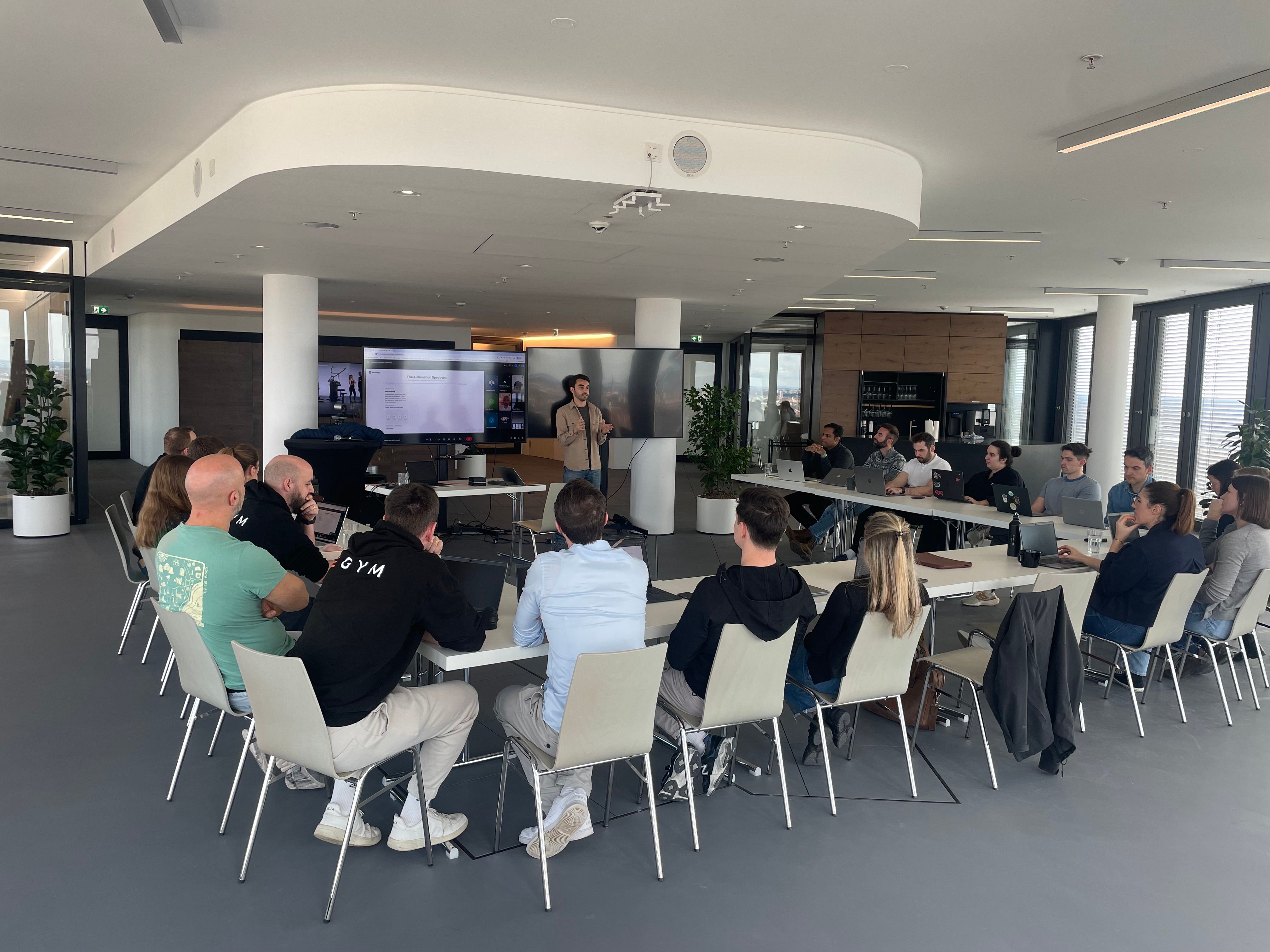
Leadership kickoff
Leaders and your first AI champions connect their real tools and build live.
Weeks 1–3
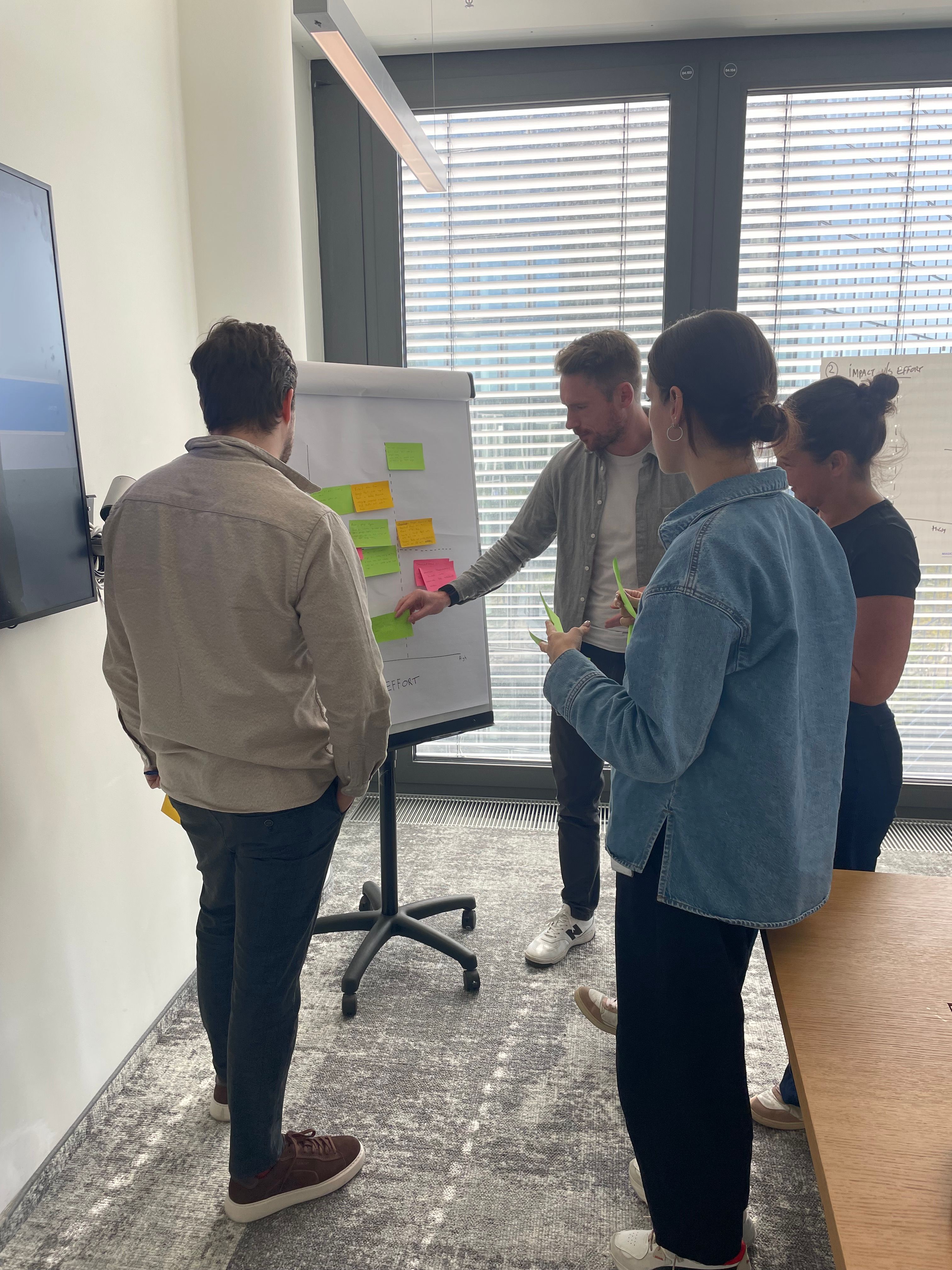
Hackathons with your teams
Two or three people per team bring a process they own. Their agentic systems go live the same day.
Month 1
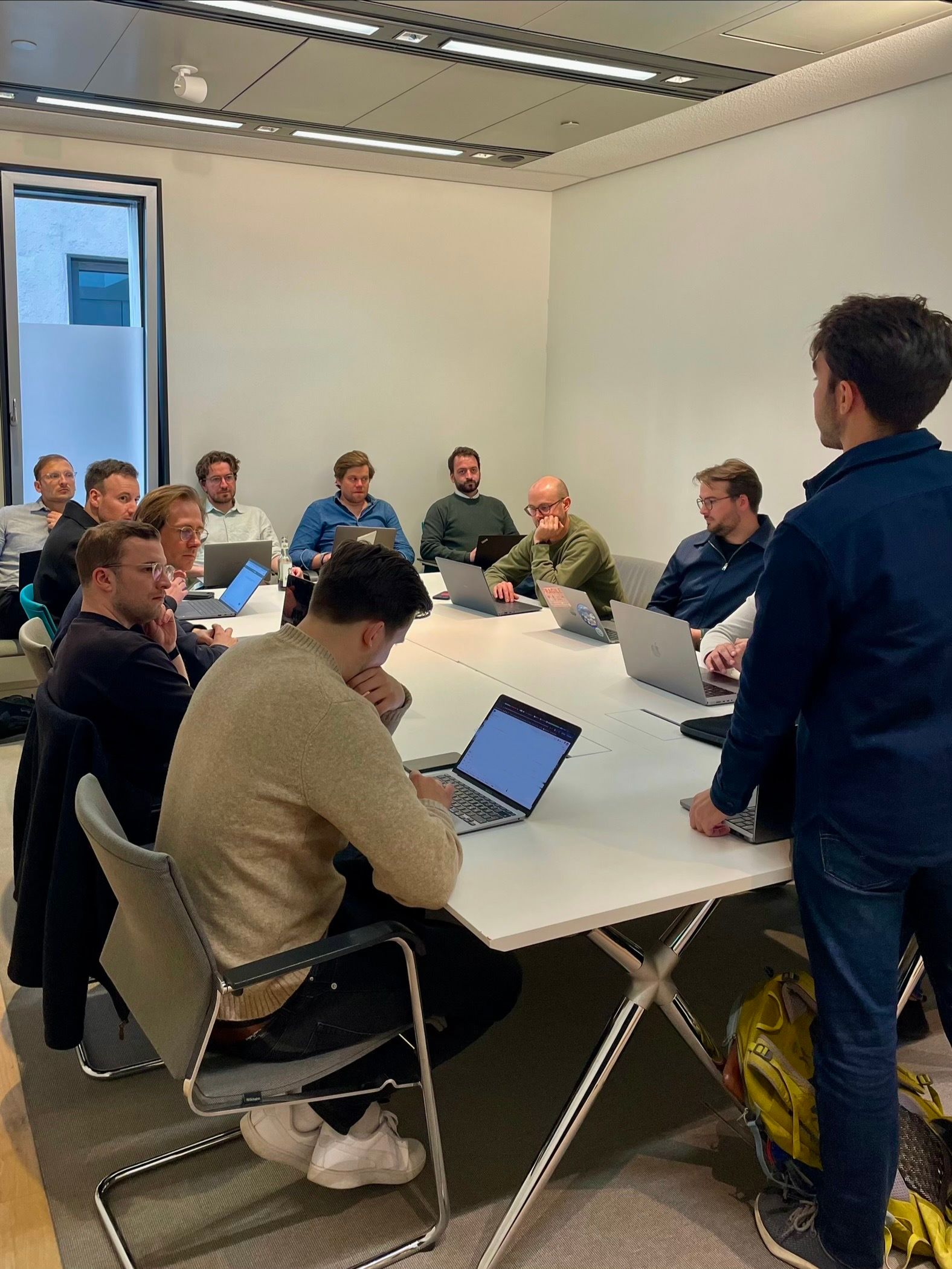
Train the trainer
Your champions learn to run the sessions themselves, so adoption doesn't depend on us.
Ongoing
A direct line to our team
A shared Slack channel and priority support as more teams join.
shared-dataleap
Tool access
Allow or block any app, per team or person.
Model control
Pick the models, or bring your own keys.
Roles
Five built-in roles, plus your own.
Activity records
Every tool call, ready for your SIEM.
A leadership kickoff and hackathons, then we train your AI champions to run them. The leaderboard and templates do the rest.
Admin analytics show active users, runs, cost and impact, per person, agent and team.
Each owner estimates what one run saves. We multiply it by the successful runs.
In the web app, Slack and Microsoft Teams, or on a schedule or trigger.
Weekly budgets per team, agent and person, and one company-wide limit. Teams ask when they need more.
Anthropic, OpenAI, Google, xAI and open models. Turn each on or off, or bring your own keys.
No. Your data is never used to train AI models.
Yes, on the Enterprise plan.